
Integrations
Connect Xero, MYOB and QuickBooks to Marmalade Payments
Marmalade Payments connects to your accounting software through each platform’s secured connection. Invoices and bills come in, payments go back, and everything stays reconciled.

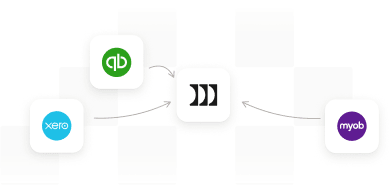
No manual data entry
Bills and invoices come straight from your accounting software, so there’s nothing to type in twice.
Payments reconciled for you
Every payment made through us is recorded back in your books against the right invoice or bill.
You stay in control
You approve the connection inside your accounting software, and you choose which organisation or company file to connect.
What we access
What we read, and what we add

We read only what we need
Your invoices, bills, contacts and payment history, plus your balance sheet and profit and loss for Payments on Demand. So there’s nothing for you to upload.

We only add what keeps your books balanced
Supporting entries like Marmalade clearing accounts, journals, fee bills and, for Payments on Demand, corrective invoices. Your books stay balanced, so you can keep doing what you love.

We never edit or delete what you’ve created
Your transactions, accounts and settings stay as you left them. For Payments on Demand, cashed-in invoices are marked as paid and your Marmalade statement shows what’s still owed, so you know where things stand.
Why we ask for this data
Only what we need, and why we need it
Here’s what we use, and what stays off-limits.
- Invoices and bills
- To show what’s due and record payments back.
- Customer and supplier contacts
- To match each payment to the right business.
- Payment history
- To assess credit risk.
- Balance sheet and profit and loss
- To assess credit risk for Payments on Demand.


Access request
Connect Xero, MYOB or QuickBooks to Marmalade Payments
It will be able to

Read your invoices and bills
Read your customer and supplier contacts
Read your payment history
Read your balance sheet and profit and loss
Record payments and the entries that keep your books balanced
It won’t be able to

See payroll or employee records
See your login or password
Edit or delete anything you’ve created
You stay in control of this connection.
How it syncs
Connect once. Stays in sync from there.
Connecting takes a few minutes and doesn’t change how you run your books.
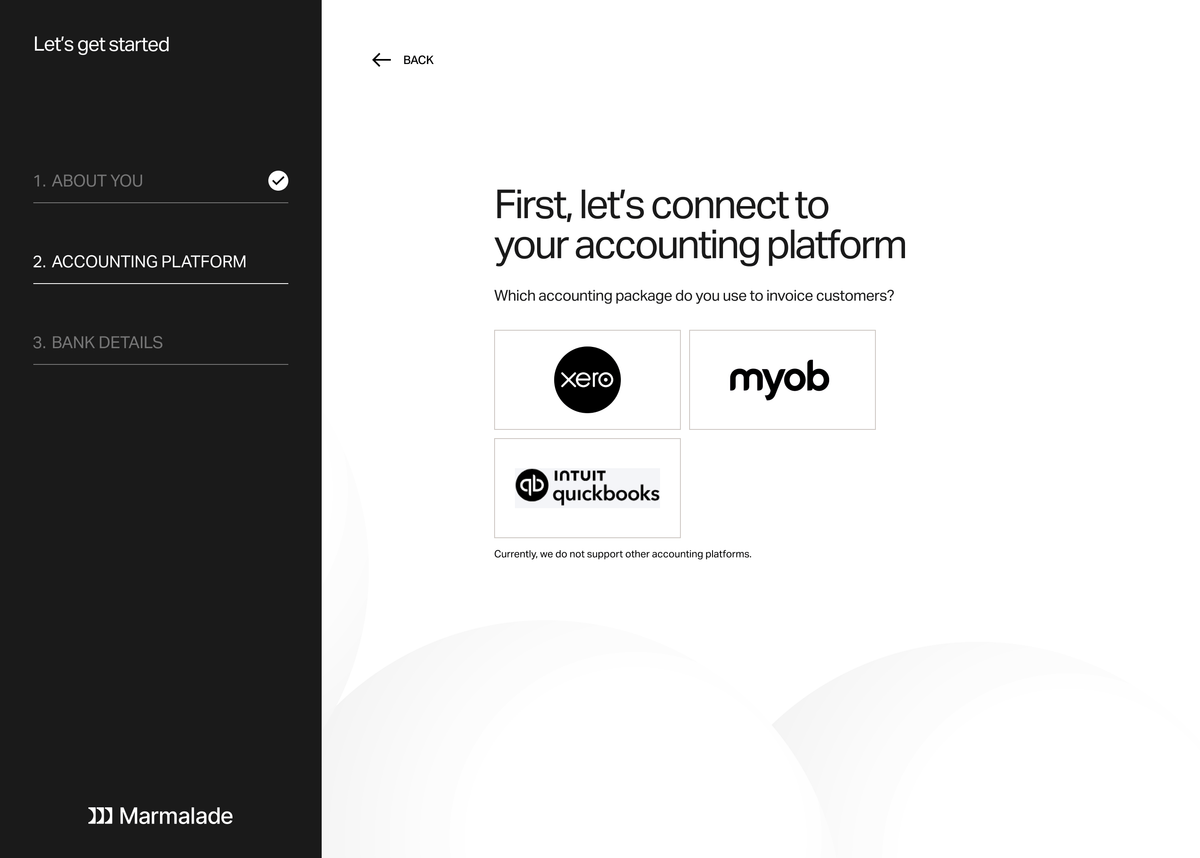
Step 1
Connect your platform
Sign in to Xero, MYOB or QuickBooks and approve the connection. You choose the organisation or company file, and we never see your accounting login.
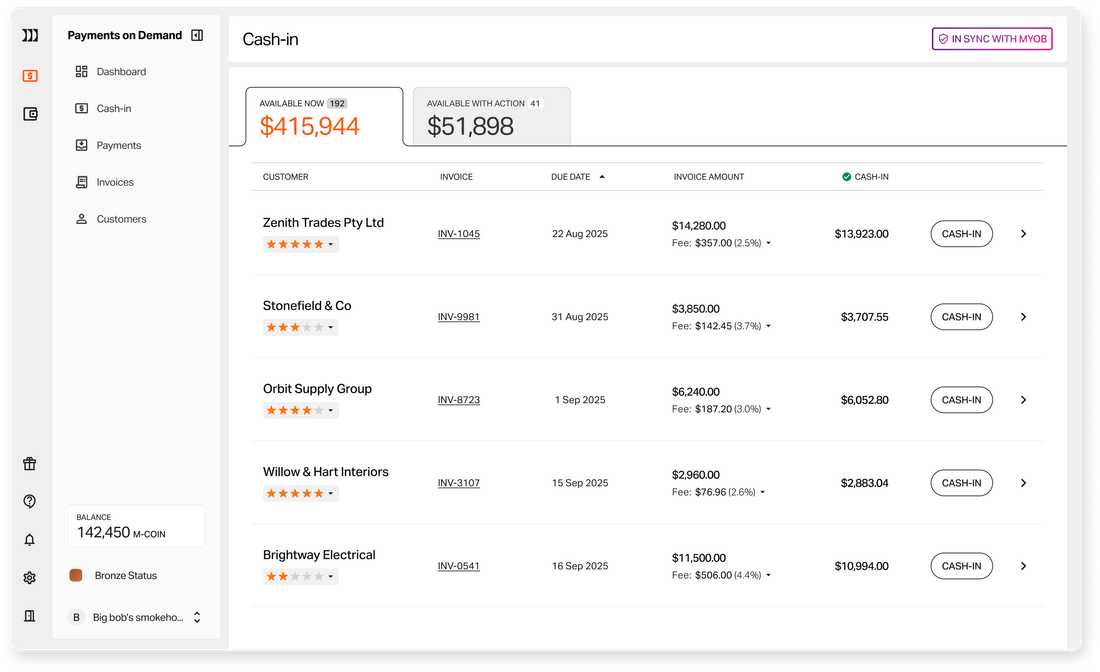
Step 2
Invoices and bills sync in
We pull in your approved invoices and bills automatically, and update them when they change in your accounting software. There’s nothing to upload or re-key.

Step 3
Payments sync back
When an invoice is cashed-in or a bill is paid, the payment is recorded against it in your books, making bank reconciliation seamless.
No new software to learn.
No change to how you invoice.
Your data, kept safe and secure.
Built on the SOC 2 framework
We follow the SOC 2 framework, an industry-recognised standard for keeping data secure, available when needed and private. We work with AssuranceLab, a leading provider of SOC 2 reports in Australia and New Zealand.
Encrypted, monitored and access-controlled
Your data is encrypted at rest, our systems are continuously monitored, and staff access is protected by multi-factor authentication. Read our Data Protection page for the full detail.
If you disconnect or leave
If you disconnect your accounting software, syncing will pause. Marmalade Payments relies on that connection to see your invoices and bills and record payments against them, so you’ll just need to reconnect before you can use it again. If you have cashed-in invoices that haven’t been paid yet, please keep the connection in place until they’re settled. Your account stays open, and you can still log in any time.
If you close your account or stop using it, we’ll keep a record of the bills you’ve paid for as long as the law requires, and to manage credit risk. It stays secure the whole time.
Frequently asked questions
Have a question about your data? Our team can walk you through it.
View All FAQsWe never edit or delete anything you've created. To keep your books balanced, we add payment records and a few supporting entries, like Marmalade clearing accounts, journals and bills for our fees. If you use Payments on Demand, we also add corrective invoices, and cashed-in invoices are marked as paid. Your Marmalade statement then shows what your customers still owe.
Automatically, so you don't need to do anything. When an invoice or bill changes in your accounting software, it updates with us too. Your first sync can take a little longer if you have lots of past invoices.
Xero, MYOB and QuickBooks. If you use different accounting software, contact us and we'll let you know what's possible.
No. Payments arrive in your books already matched to the right invoice or bill, making bank reconciliation seamless. Whoever looks after your accounting software can connect it in a few minutes.
When you connect, Xero, MYOB or QuickBooks will show a screen asking you to give Marmalade Payments access. We use it to read your invoices, bills, contacts and payment history, plus your balance sheet and profit and loss if you use Payments on Demand. We also use it to record payments and the entries that keep your books balanced.
Our team and trusted service providers who help us deliver the service, under strict confidentiality. Your suppliers and customers can't see your other bills or the rest of your books. We never sell your data.
No. We only access your invoices, bills, contacts and payment history, plus your balance sheet and profit and loss if you use Payments on Demand. Payroll and employee records aren't part of the connection.
No. Connecting doesn't run a credit check with a credit reporting body, and nothing is added to your credit file. We assess credit risk using the data in your accounting software instead.
If you disconnect, syncing will pause. We rely on that connection to see your invoices and bills, so you'll just need to reconnect before you can use Marmalade Payments again. If you have cashed-in invoices that haven't been paid yet, please keep the connection in place until they're settled. Your account stays open, and anything already in your accounting software stays there. If you close your account or stop using it, we'll keep a record of the bills you've paid for as long as the law requires, and to manage credit risk. We use it only to provide the service, manage credit risk and meet our legal obligations. You can read our Privacy Policy, or contact us any time to ask what we hold.
Have a question about your data? Our team can walk you through it.
View All FAQs
Connect once. Get paid and rewarded.
Link Xero, MYOB or QuickBooks and see your invoices and bills in one place in minutes. No credit card required. No fees to join.